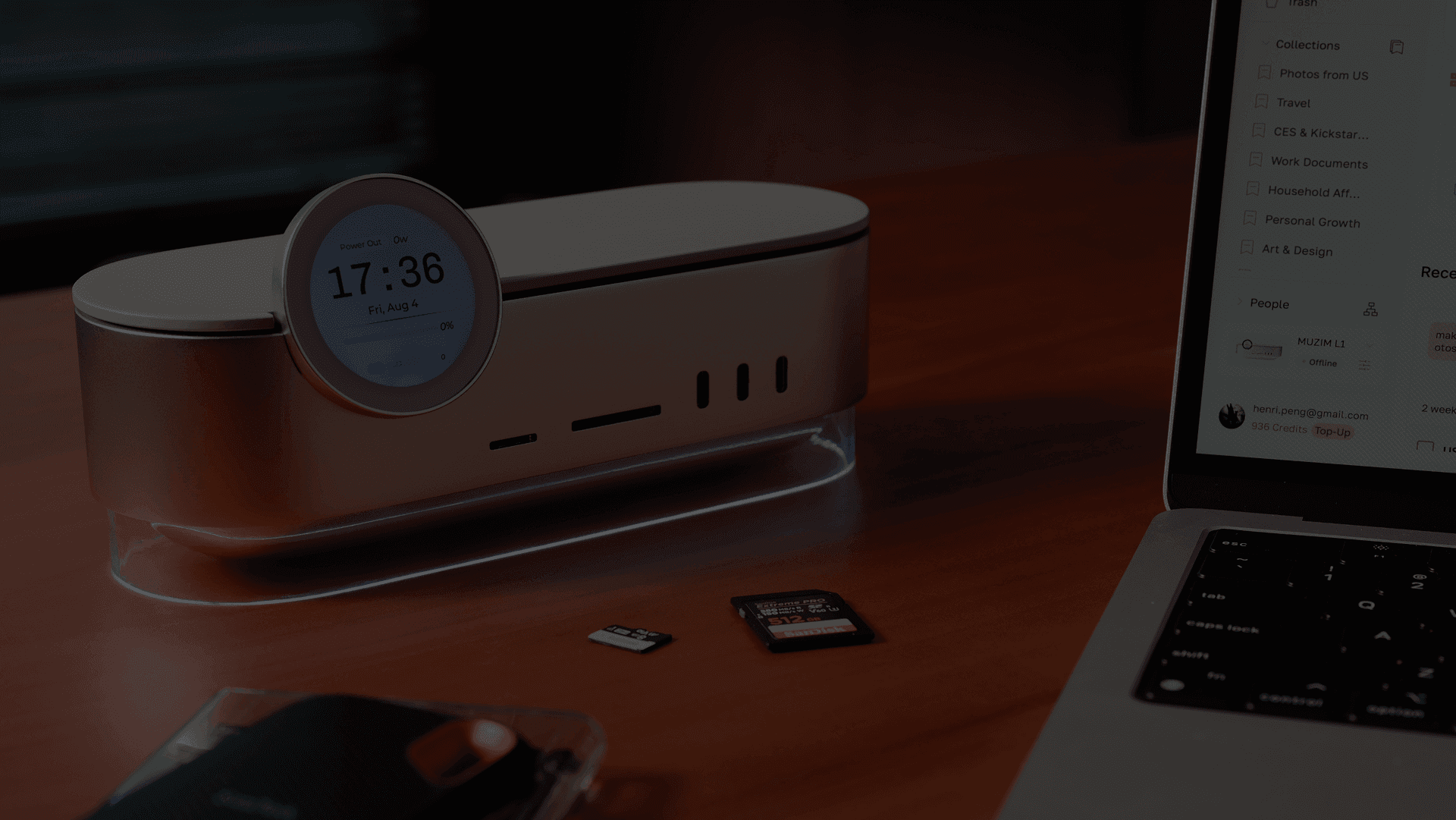
Muzim L1 beside a laptop running Muzim Software, with its circular touchscreen and illuminated base visible on a wooden desk

Muzim L1

Choose your L1 From $399with no built-in SSD

Look a little closer.

Three ways to make room for more.

01 / SSD storage

Room to grow.

Built-in SSD options. Two top-access M.2 NVMe slots.

Up to 24 TBThree SSD positions · up to 8 TB each
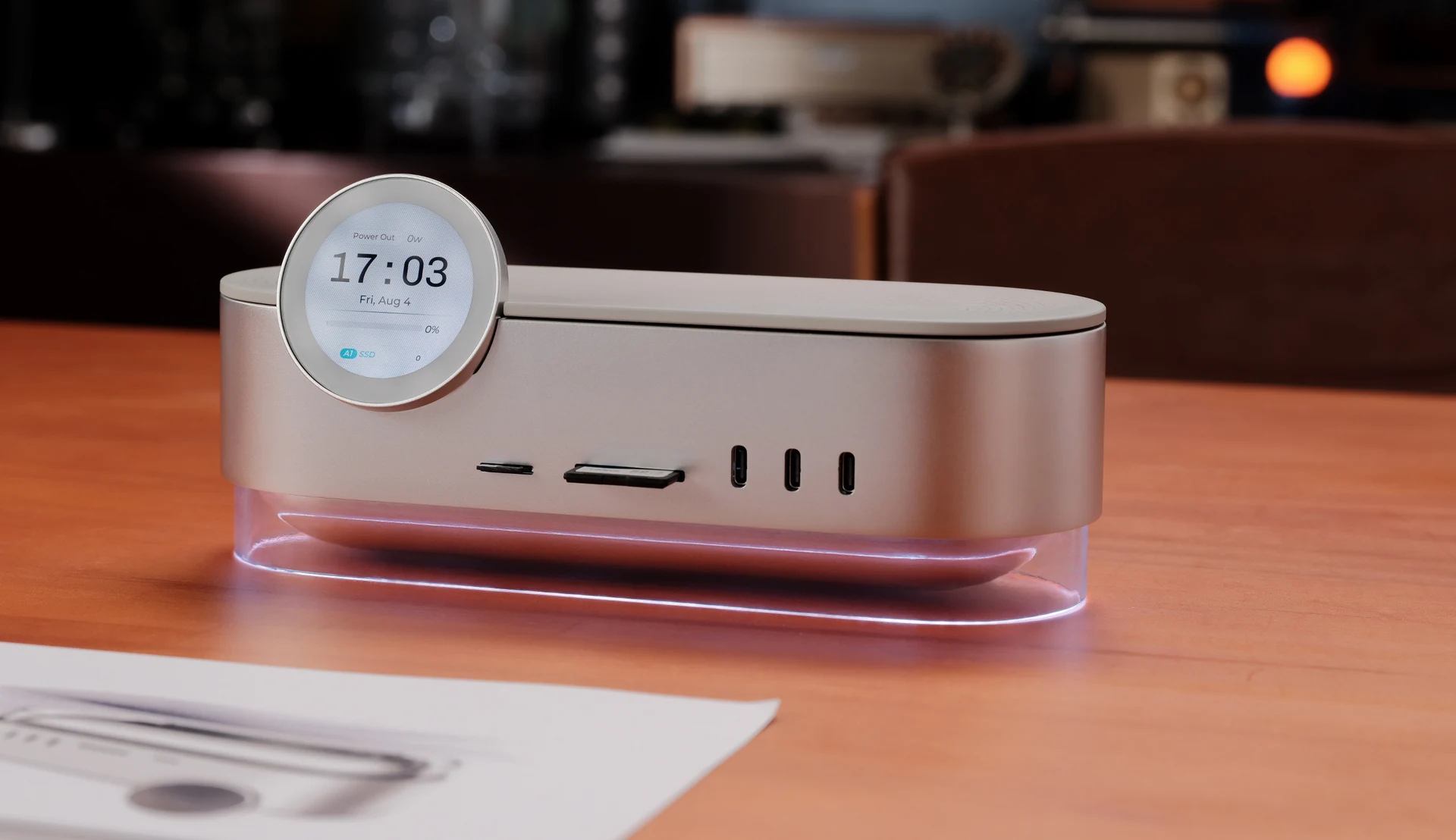
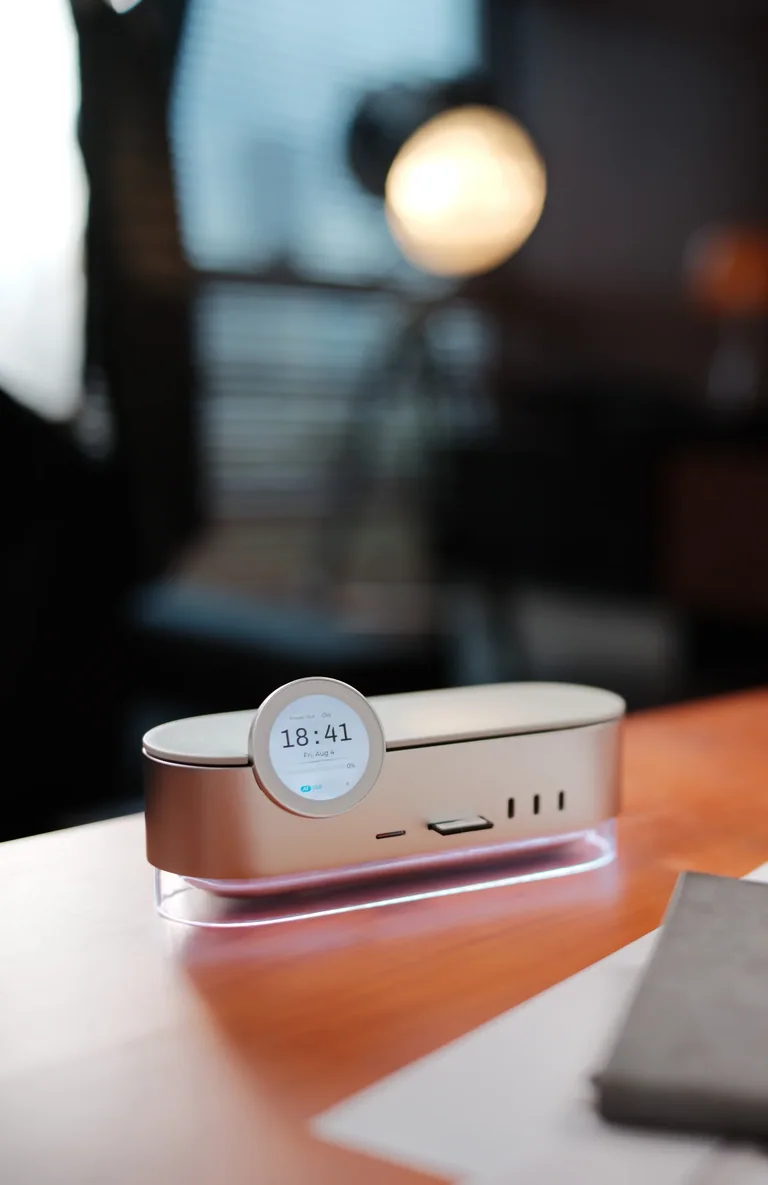
Muzim L1 on a wooden desk, showing its silver body, circular touchscreen, front ports and illuminated base

10Gbps shared host data bandwidth. SSD performance depends on your drive, host and connection. Expansion SSDs sold separately.
02 / Connections

Your desk. Connected.

Wi-Fi 6. 2.5Gb Ethernet. Access files on your local network.

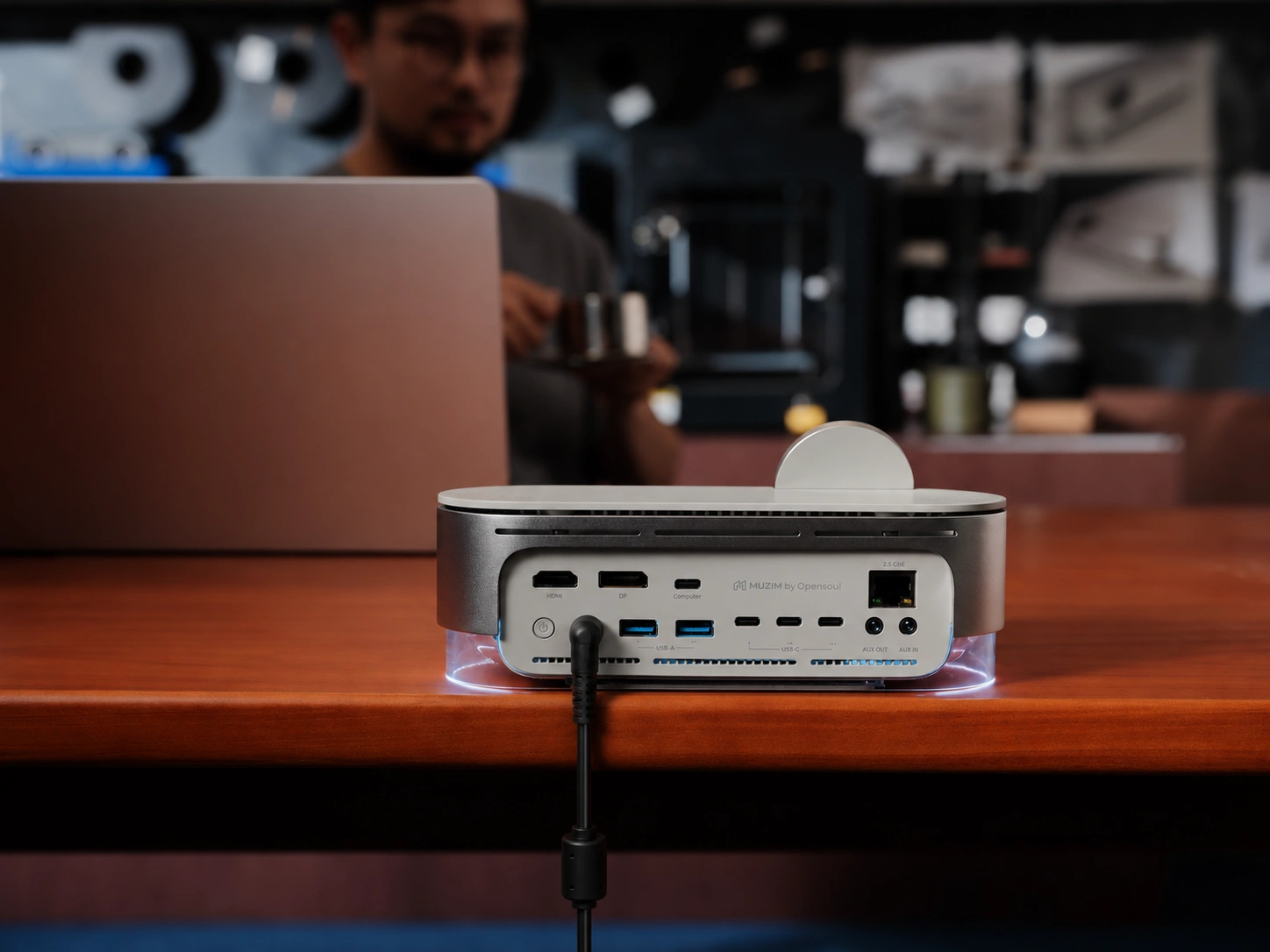
16 portsDisplays · cards · USB · audio · power

Muzim L1 on a café table beside a laptop, with its rear connection panel and connected cable clearly visible

Wi-Fi and Ethernet file access work within the same local network, not over the public internet.

03 / Touchscreen

A little more you.

Your photos. Your device information. Make it your own.

1.65″Circular touchscreen

Muzim L1’s circular touchscreen displaying a family photo, clock and date above its silver body and illuminated base

Slide 1 of 3: Room to grow.

See Muzim in action
Across work and life

From family memories to professional footage, see how Muzim helps people find,
organize, and rediscover the files that matter.

One dock.
More possibilities.

Better together.

One setup.
Three clear roles.

  1. 01
    L1 connects your desk.

    Docking and connectivity.

  2. 02
    Your SSDs hold your files.

    Storage you choose.

  3. 03
    Muzim brings the meaning.

    Search and organize on your computer.

A clearer desk.
A little more presence.

Brushed metal. A round touchscreen.
A soft line of light beneath it all.

Real Muzim L1 on a wooden desk, with a softly illuminated transparent base

Ports and connectivity

16 ports.
One clear workspace.

Every connection in its place.

FRONT

From card to creative work.

Import from cards. Plug in everyday devices.

SD + microSDUSB-C
BACK

Displays. Network. Power.

Keep the permanent connections behind your desk.

HDMI + DisplayPort2.5GbEUSB + audio
16ports

For your whole setup

10Gbps

Shared host data bandwidth

8K@30Hz

Display output¹

¹ Display output via HDMI 2.1 or DP 1.4. Resolution and available bandwidth depend on your host computer, cable and connection configuration.

Expandable SSD storage

Room for what
comes next.

Start with what you need. Add two M.2 NVMe SSDs later.

UP TO24 TB

total SSD storage²

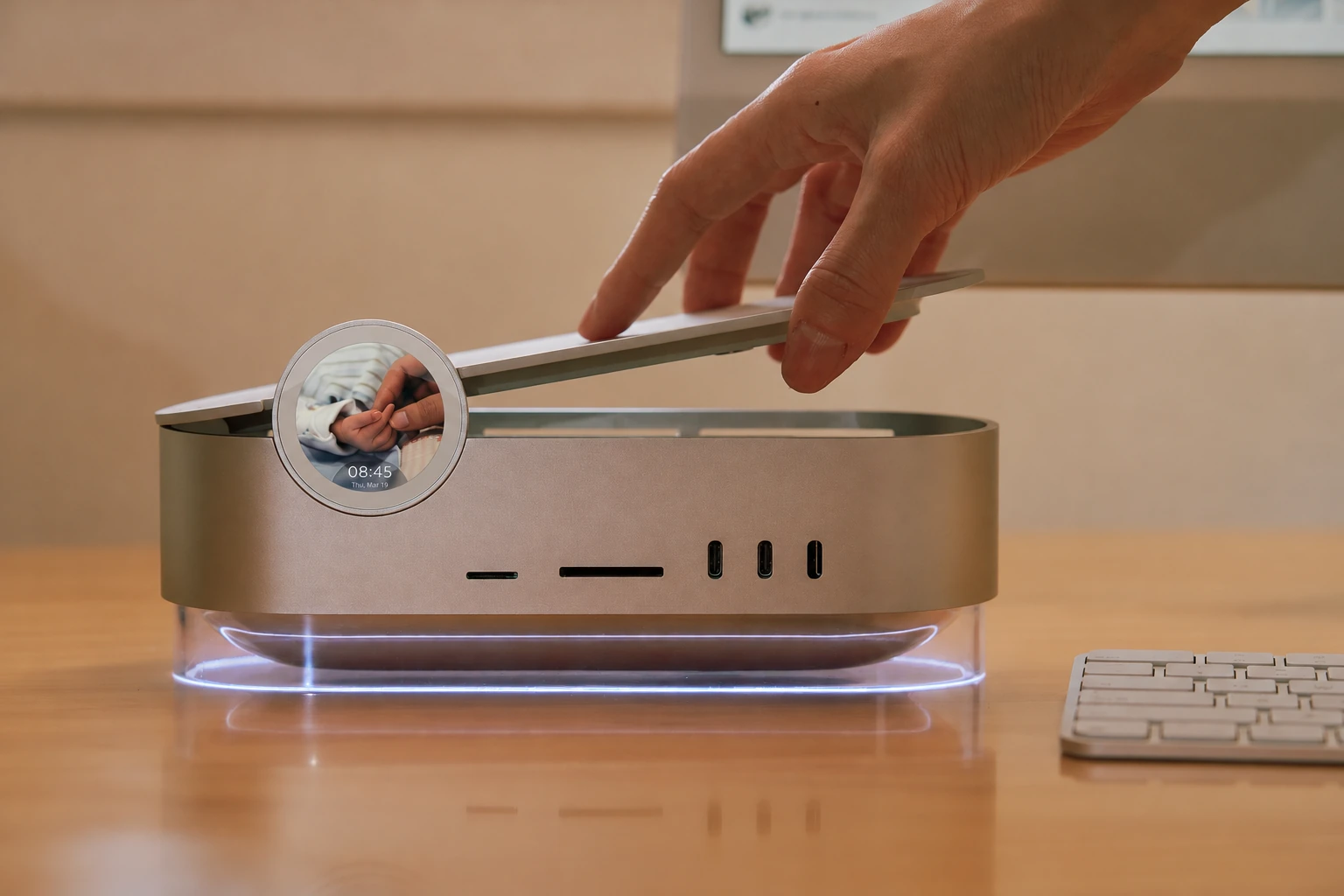
A real hand lifting the lid of Muzim L1, with its round screen and softly illuminated base unchanged
PRE-INSTALLEDUp to 8 TB
+
EXPANSION 01Up to 8 TB
+
EXPANSION 02Up to 8 TB

What 24 TB can hold.

A lifetime of moments. Room for your next idea.

≈5.3M

photos

4.5 MB per photo

≈6,667

hours of HD video

8 Mbps · 3.6 GB per hour

≈416,667

hours of music

128 kbps compressed audio

≈400,000

books & PDFs

60 MB per book or PDF

Each example uses the full 24 TB capacity. Estimates vary with file size, format and encoding; formatted storage capacity is lower.

² Maximum 24 TB capacity requires 8 TB in each of three SSD positions. Pre-installed capacity varies by model. Expansion SSDs are sold separately. Actual formatted capacity is less.

Local network access

Wireless Data Access

only available under same WiFi/Network

Privacy goes first. Muzim L1 only offer Wi-Fi & Ethernet accessibility in LAN.
NO ONE can read or write data in Muzim L1 from outside.

Wi-Fi 6Wired network
Your computerLocal networkMuzim L1

Muzim AI · Vibe Search

Vibe Search
Search by memory, not filename.

Videos, photos, audio and documents are analyzed by Muzim Local AI, no network or cloud service needed.

01 / VIBE SEARCH

Your words. The right files.

“my dog playing in the yard”

FOUND BY MEANING
A familiar moment, found again.

One search across your library.

SEARCH BY MEANING

Search in your own words.

A person. A place. A moment.

TEXT, SPEECH, SCENES & SOUND

Look inside your files.

Text, speech, faces, scenes and sound.

Photos & scenesVideo & speechAudioDocuments

Muzim demo library · Software runs on your computer.

Muzim AI · Smart Collections

A growing library.
A little less organizing.

People, places and topics. Automatically brought together.

02 / SMART COLLECTIONS

Every file, in good company.

Outdoor · Sea & Coast · Family Life

CONNECTED BY CONTEXT
One original. Many connections.

No extra copies on your drive.

AUTOMATICALLY CONNECTED

The library builds itself.

Related files, automatically grouped.

CREATED WITH YOUR WORDS

Say it. Collect it.

“Mountains, forests and natural landscapes.”

Muzim demo library.

Your files. Your ecosystem.

Your files.
Your choice.

Local at the core.

Search, face recognition, transcription and Collections run on your computer.

CORE LOCAL FEATURES · NO SUBSCRIPTION

A wider view.

Connect Google Drive, iCloud and Dropbox.

LOCAL FILES + CONNECTED LIBRARIES

Ready for your AI tools.

Share chosen context with ChatGPT, Claude, Codex and other MCP-compatible tools.

YOU CHOOSE WHAT TO SHARE

Cloud connections and external AI services require internet access. Availability, usage limits, Muzim credits and third-party charges depend on the feature and service.

Across work and life

For your work.
And your life.

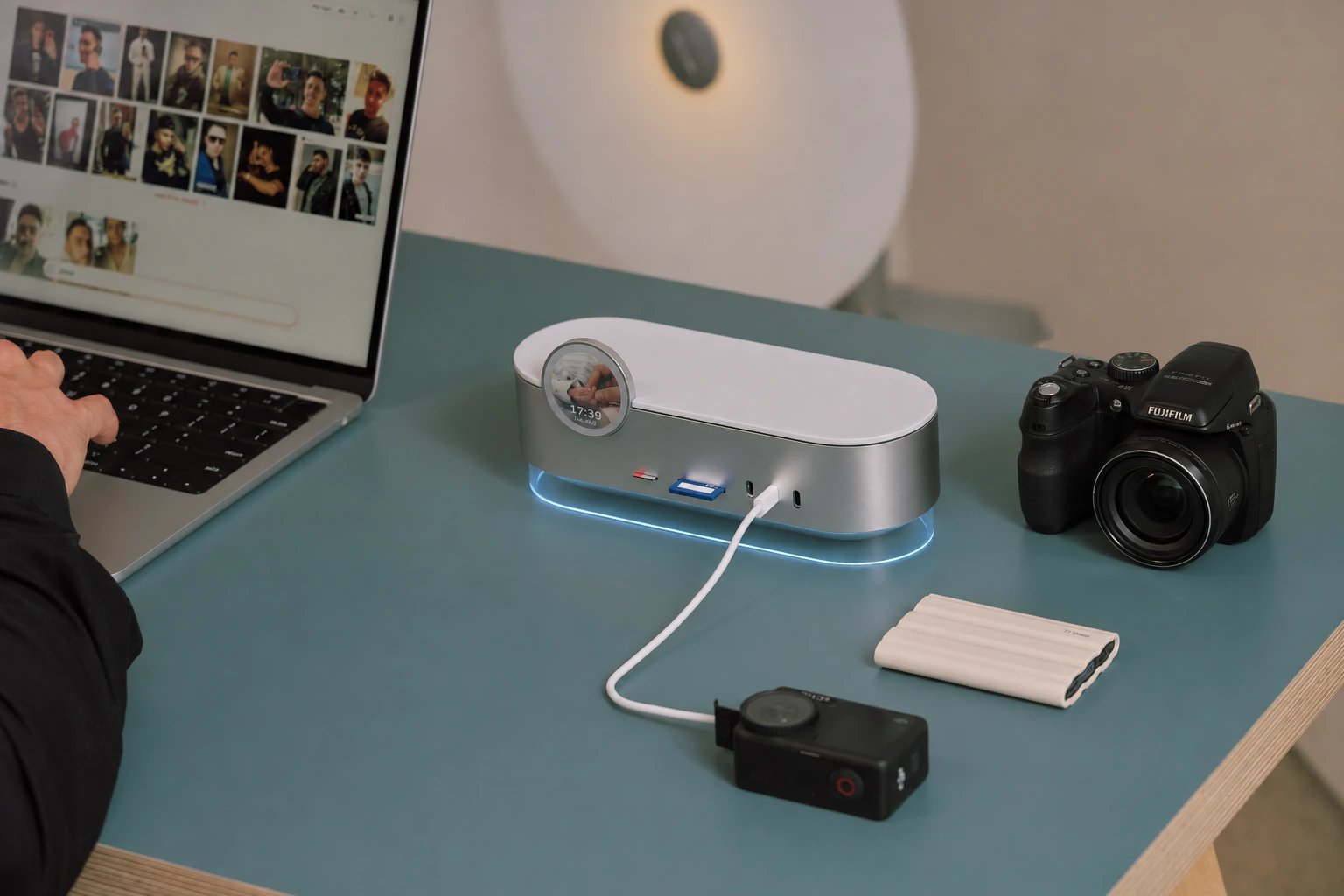
Real photography workspace with Muzim L1, a camera, memory cards and a laptop
FOR YOUR NEXT FILM

From camera to creative library.

Find the footage for your next idea.

Import → Find → Create
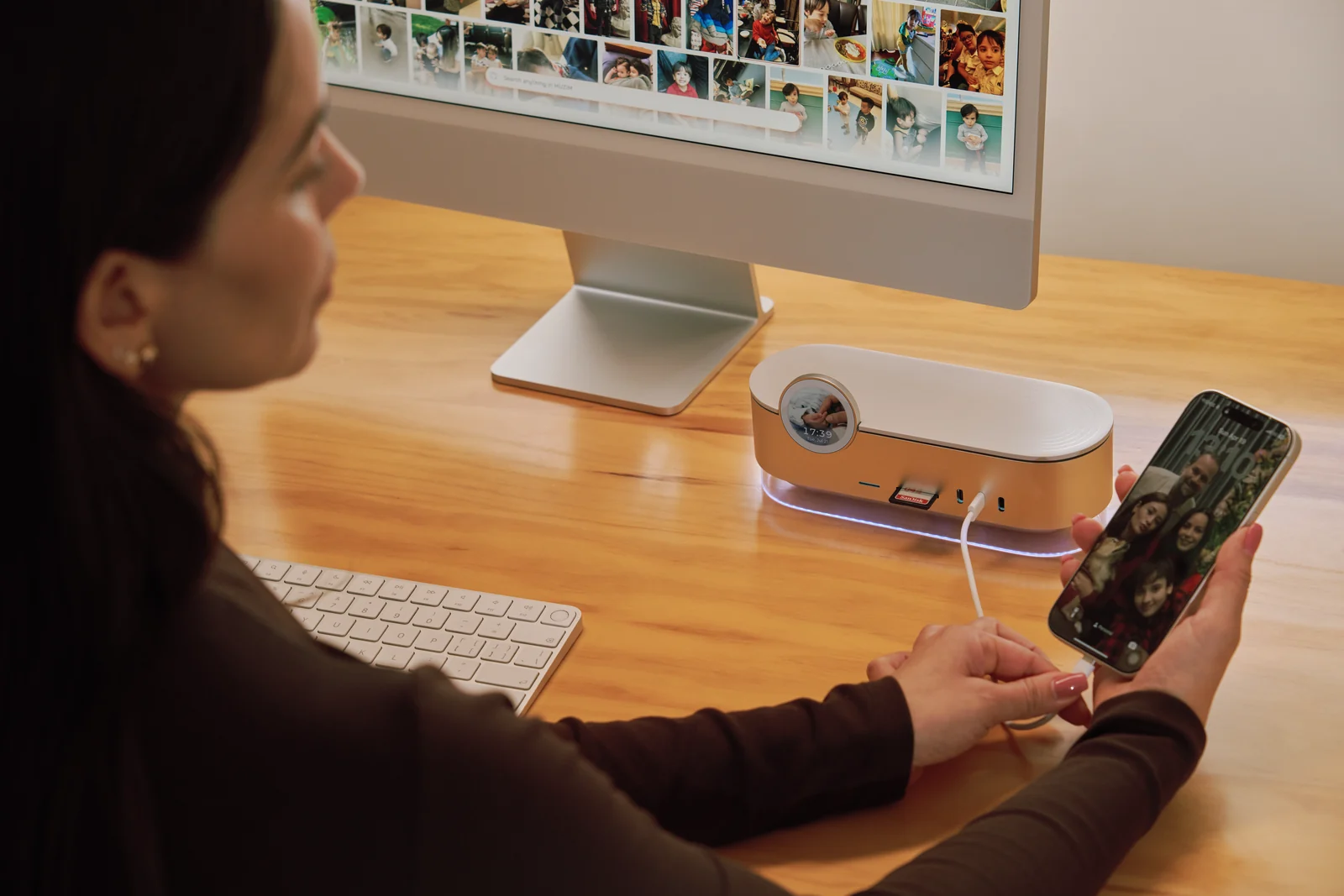
A woman rediscovering family photographs on her computer with Muzim L1 and her phone on the desk
FOR THE MOMENTS THAT STAY

Your memories, within reach.

Find years of memories by people, places and moments.

Keep → Rediscover → Collect

Study & projects. Find the words inside notes, documents and recordings.

Tech & storage. Expand your desk, your capacity and your AI workflow.

Make room for what’s next.

One L1.
Your starting point.

Muzim L1

Smart Docking Station

Silver
Every L1 includes two additional M.2 NVMe expansion slots.
Choose your pre-installed capacity below.
Pre-installed storage capacity

Estimated dispatch in December 2026. Transit time starts after dispatch. Final price and availability are confirmed on the purchase page and at checkout.

Choose your L1

A good beginning.
Support along the way.

Delivered to your door.

Free shipping on eligible orders within the contiguous U.S. Estimated transit: 5–7 business days after dispatch.

60 days to feel at home.

Request a return or exchange within 60 days of delivery, for any reason. Use original or comparably protective packaging. Contact support for the receiving address. Return costs follow our Refund Policy and applicable statutory rights.

We’re here for you.

Questions about your setup?
support@muzim.ai

A few things to know.

Does the 0TB model include an SSD?

No. It ships without a built-in SSD. Choose pre-installed storage or use compatible SSDs.

What does “up to 24TB” mean?

The maximum total across three SSD positions, with 8TB in each. Your purchased capacity is the pre-installed capacity.

Where does Muzim AI run?

On your computer, where core file indexing takes place. L1 provides storage and connectivity.

From managing data to a digital clone

“A hundred years from now, I hope my grandchildren can talk to a trusted digital version of me. Muzim is the legacy I’m building for my family, and for yours.”

Henri Pang · Founder & CEO, Muzim AIYoung dad, serial entrepreneur and angel investor
Henri Pang, founder of Muzim AI

Muzim Windows Beta Notice

Muzim for Windows is a Beta build. If you wish to take part in early access and give us suggestions & feedback, click download.

Anti-virus/system warnings may appear while code-signing is pending. Share issues or feedback with support@muzim.ai.

Download for Windows ↓